 COME
COMECOME Older Package on This Phone: Investigate an App That Closes
For an older package on your phone, separate an app closing from a slow screen, and preserve account access while checking the device.
If a file installs but closes immediately, the problem has moved beyond transfer. Preserve the closing stage and device details rather than repeating the same download as if it were incomplete.
Describe closing precisely
An app that returns to the home screen has a different symptom from one that stays open with a spinner. Note whether COME closes immediately, after signing in or after opening one category. Keep the model, Android version and app version with the time of the observation.
Check whether other ordinary apps work. A phone-wide problem and one failing app may need different help. Avoid interpreting timing alone as proof that an update caused the failure; the useful evidence is what changed and where the symptom can be repeated.
Try low-impact checks first
Close and reopen the affected app once, and restart the phone when appropriate. Check available storage and current software information through normal device settings. Compare the product's stated requirements with the device rather than guessing a minimum Android version from an APK size.
Google's Android guidance separates restarting, checking updates, force stopping and contacting the developer. Manufacturer menus vary. If you use a force-stop control, understand that it ends the app's current process; do not interrupt a pending account action merely to test responsiveness.
Protect local state
Clearing cache and clearing storage are different controls. Clearing app storage or uninstalling can remove local data and require sign-in again. Establish account access and read the product's guidance before considering either. Neither is necessary to collect the error and device details.
If an APK conflict or security warning appears, keep the exact message. Do not remove the current installation to make a different package fit, or disable protection to make an installation proceed. A loading problem also does not justify downloading several unverified builds.
Escalate the reproducible symptom
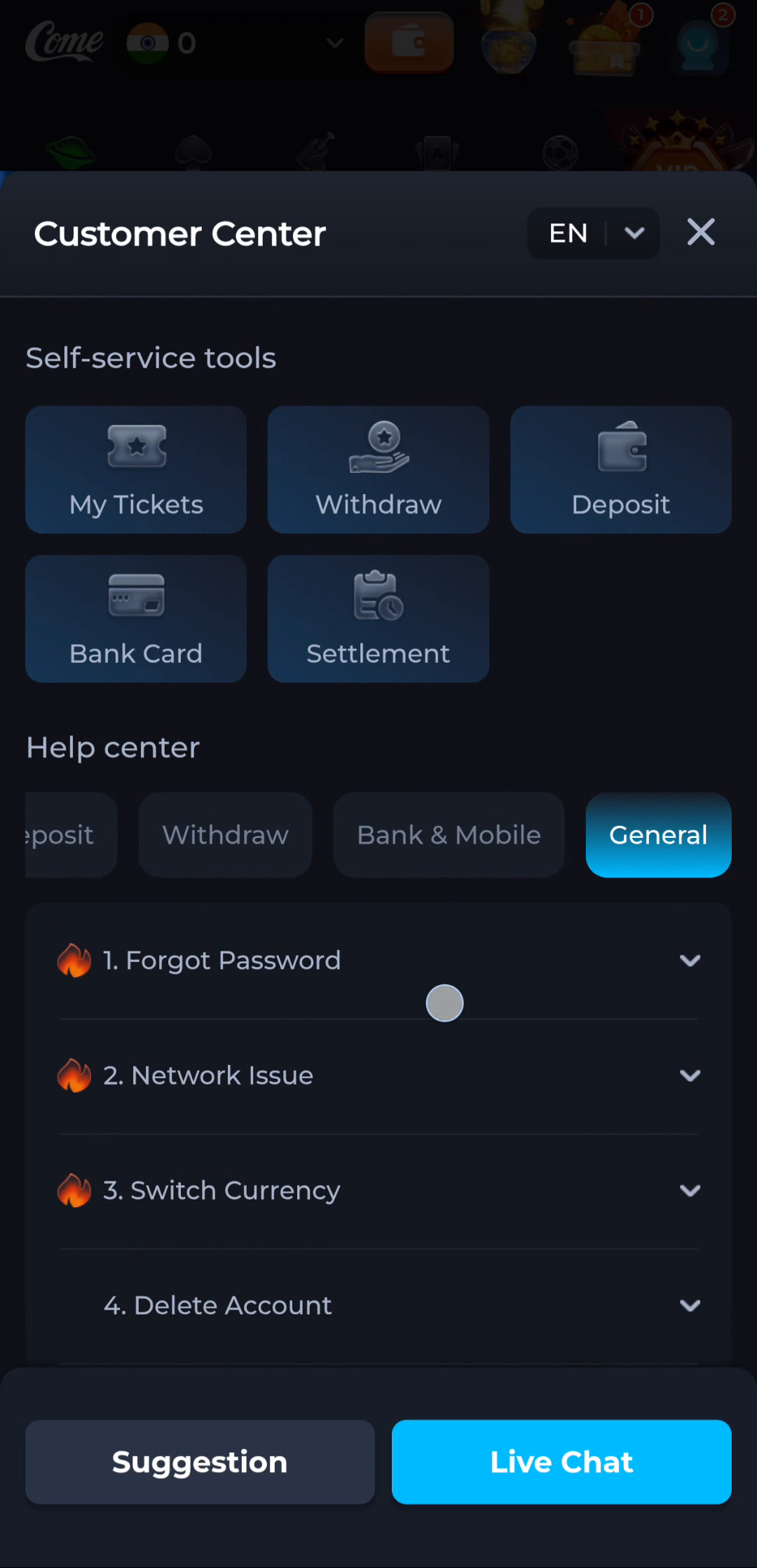
Use product help for a COME-only failure and manufacturer support for a broader device problem. Describe the shortest sequence that reaches the failure and whether a restart changed it. Share screenshots privately and remove account details and notifications unrelated to the issue.
Completion means either the app reaches a usable screen after a specific check or the remaining failure has a clear record for the correct support route. It does not require trying every destructive reset available on the phone.
Apply this to an older package on your phone
Record the phone model, Android version, installed COME version and exact error. Compare them with the requested release’s actual requirements. Do not infer compatibility from a small file size or an older publication date.
In this situation, complete the relevant check before repeating another stage. Separate an app closing from a slow screen, and preserve account access while checking the device. Keep the result with the exact screen or file so a later step can use it instead of starting the whole process again.
A practical completion check
- Record the point where the app closes.
- Compare ordinary device behaviour and try a low-impact restart.
- Preserve local data and report a repeatable failure.
Questions about this task
Is a frozen spinner a crash?
No. Record whether the app remains open, closes or shows an error.
Must I uninstall to report a crash?
No. You can record the affected screen, version and device before removing anything.
A related next step
For an older package on your phone, match access, connection and account-record questions to visible help categories while keeping private credentials out of reports.
Sources and further reading
Google Android: an app that is not working